
Only registered activity providers can accept vouchers from a parent, carer or guardian. You must create a business account for your organisation and then register as an Activity Provider on the Sport and Recreation Client Portal.
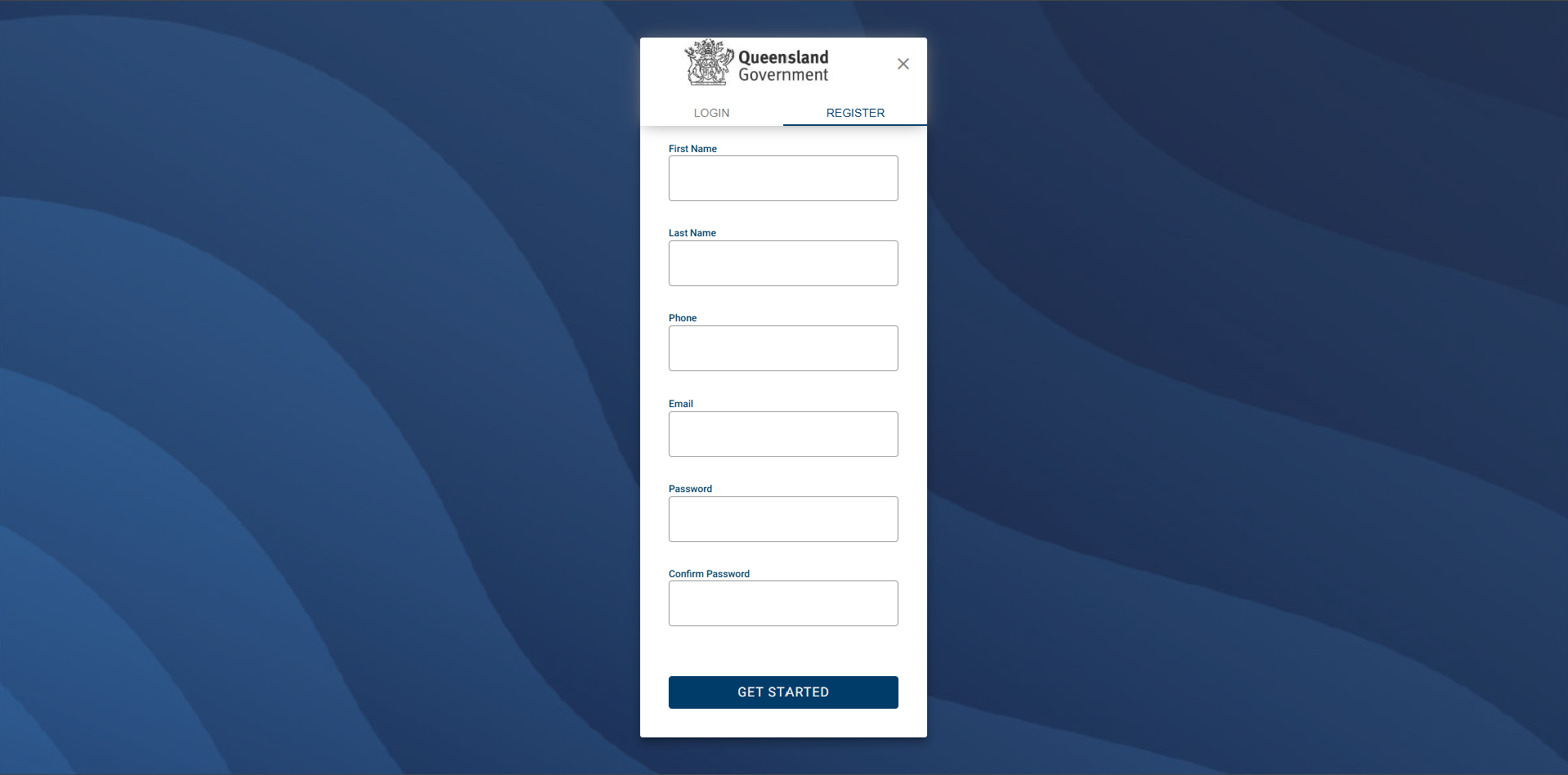
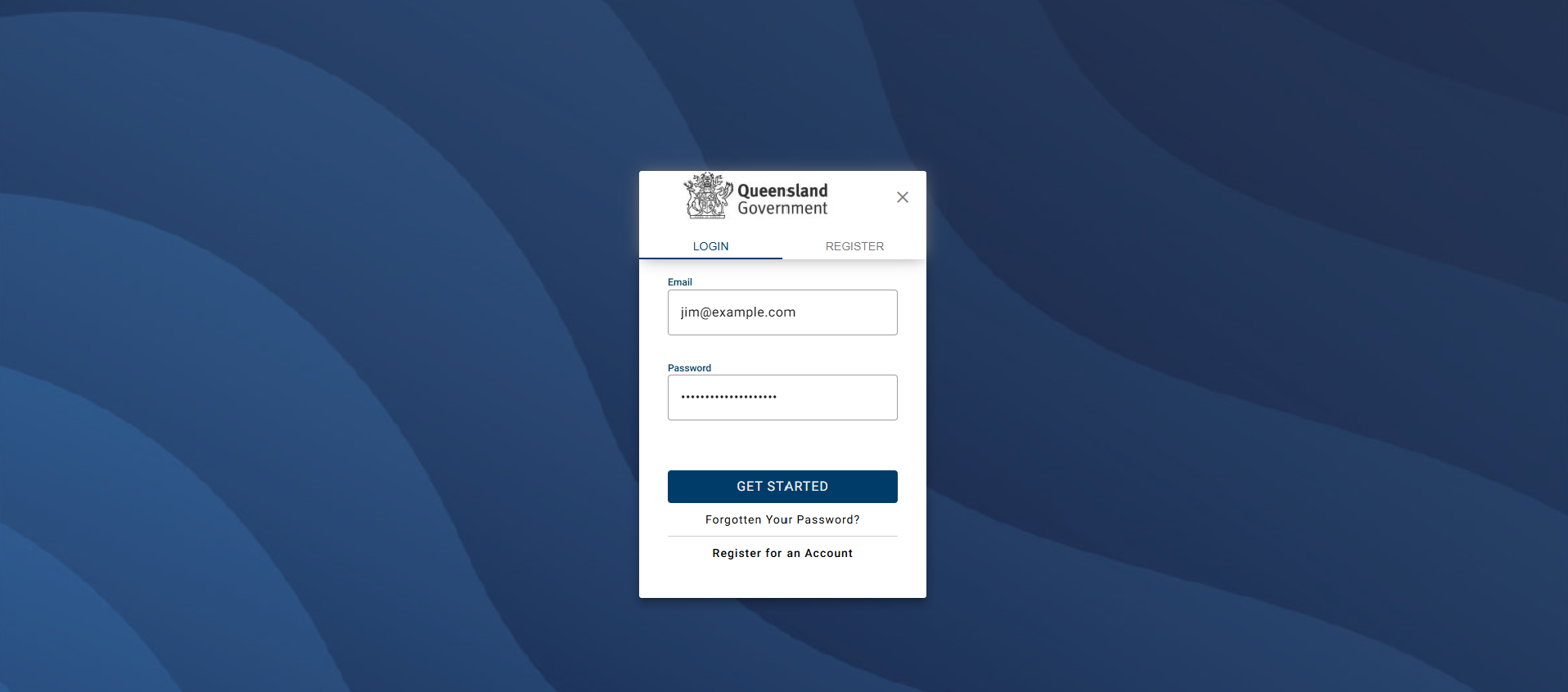
1. Enter your details to create an User Account.
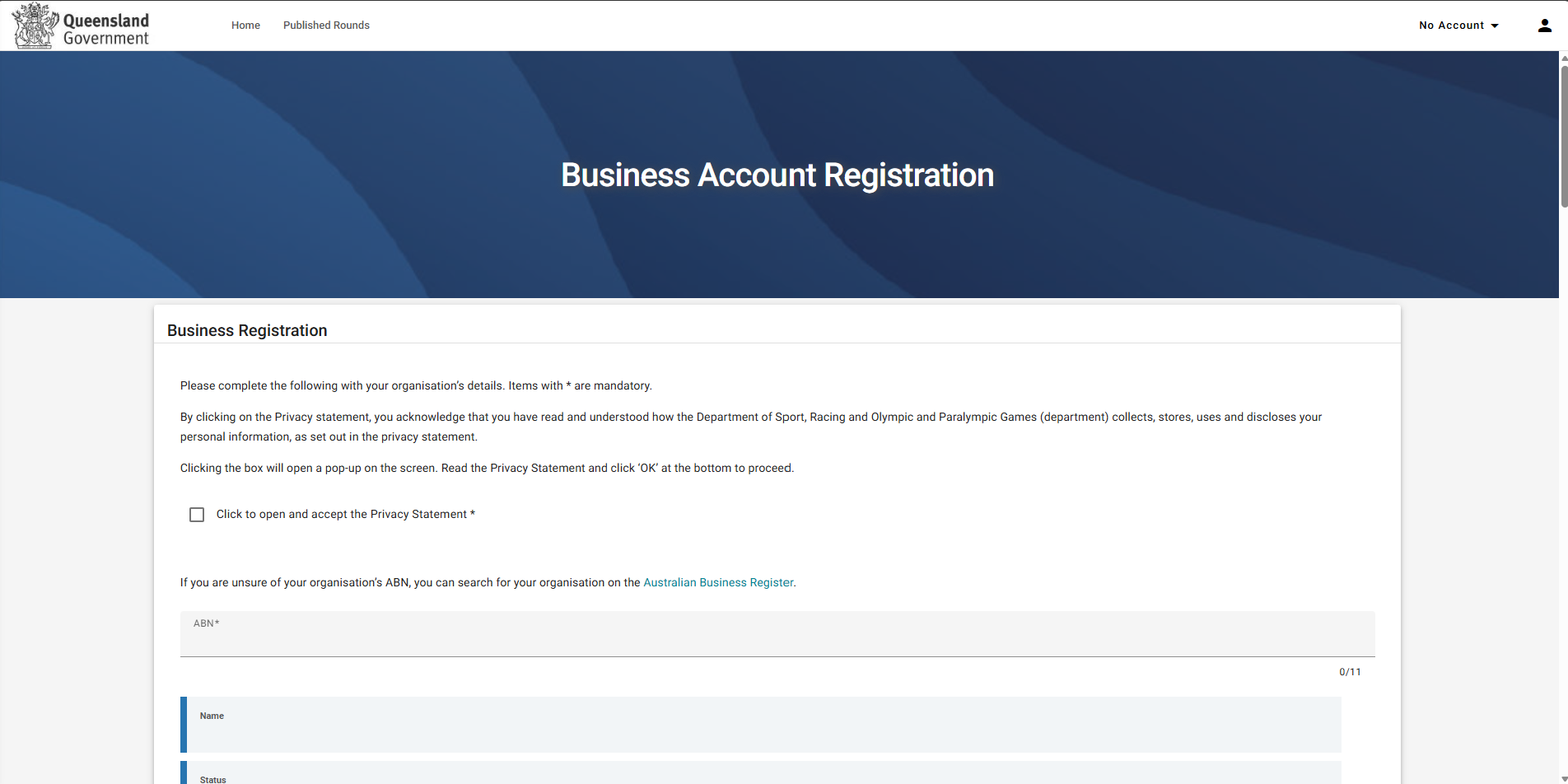
2. Complete the Business registration form and select Save at the bottom right of the form.
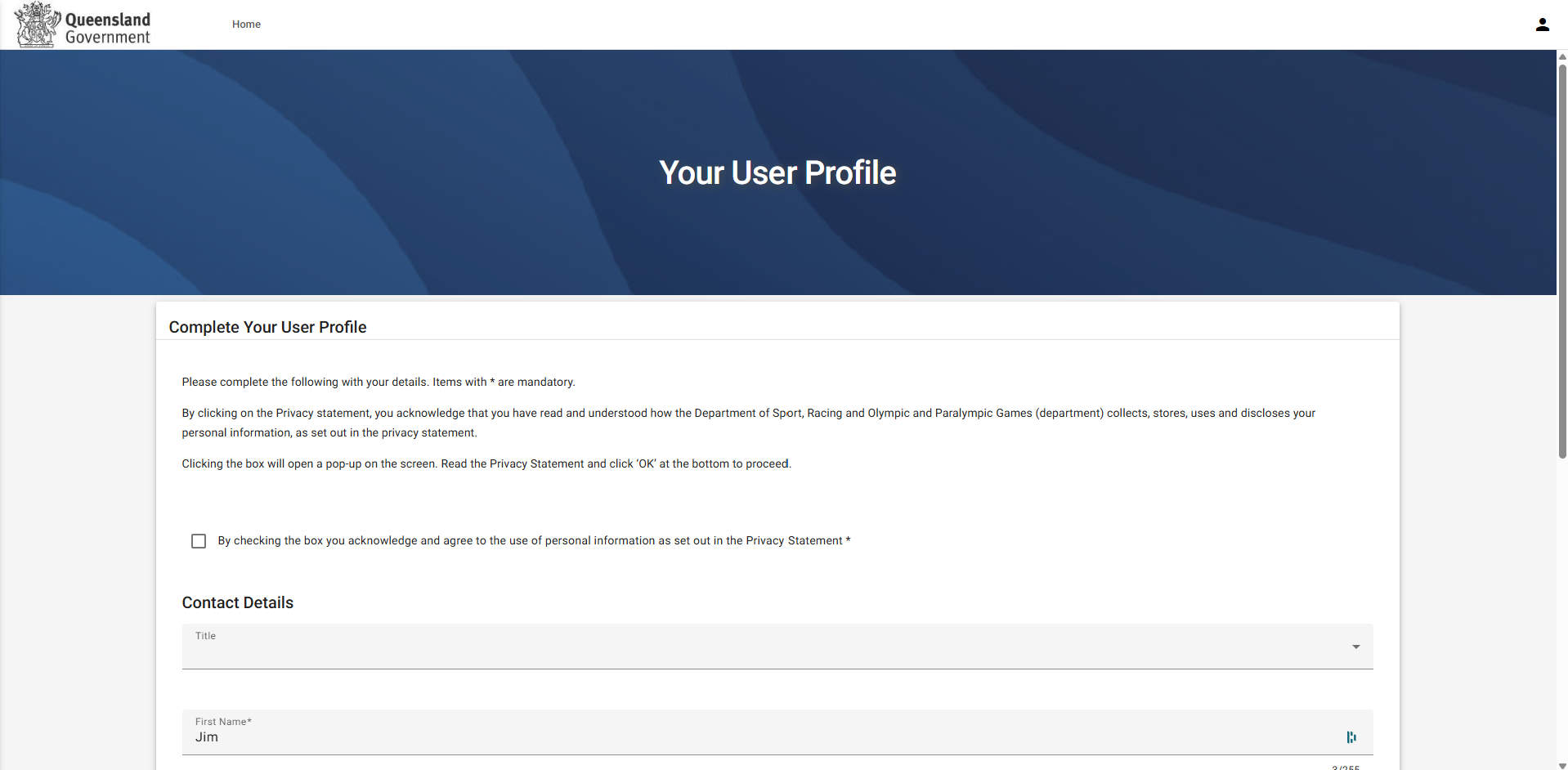
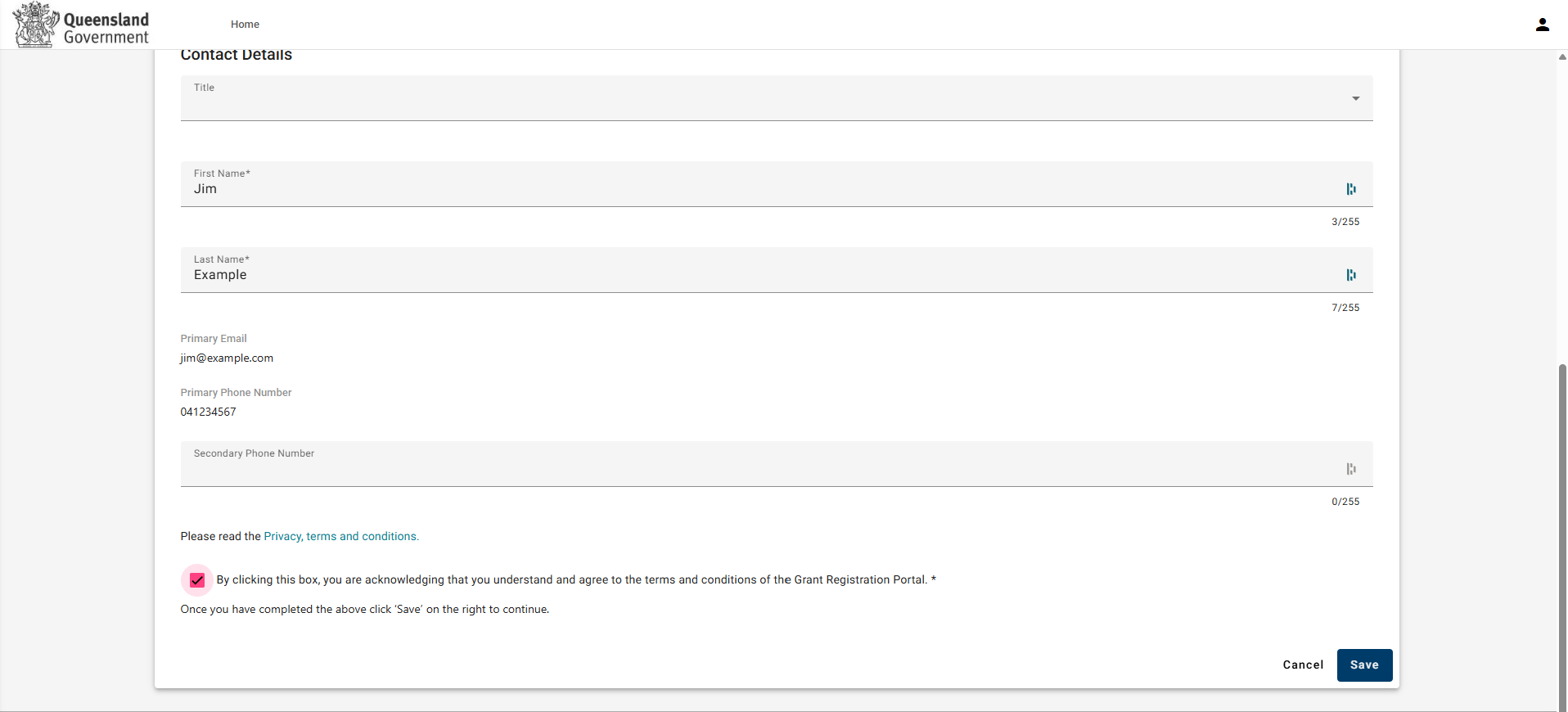
3. Fill out the details to complete user profile registration. Ensure you read the Privacy Statement and Terms and Conditions and tick the checkboxes. Select Save at the bottom right of the page to complete your registration.
4. Complete the Business registration form and select Save at the bottom right of the form.
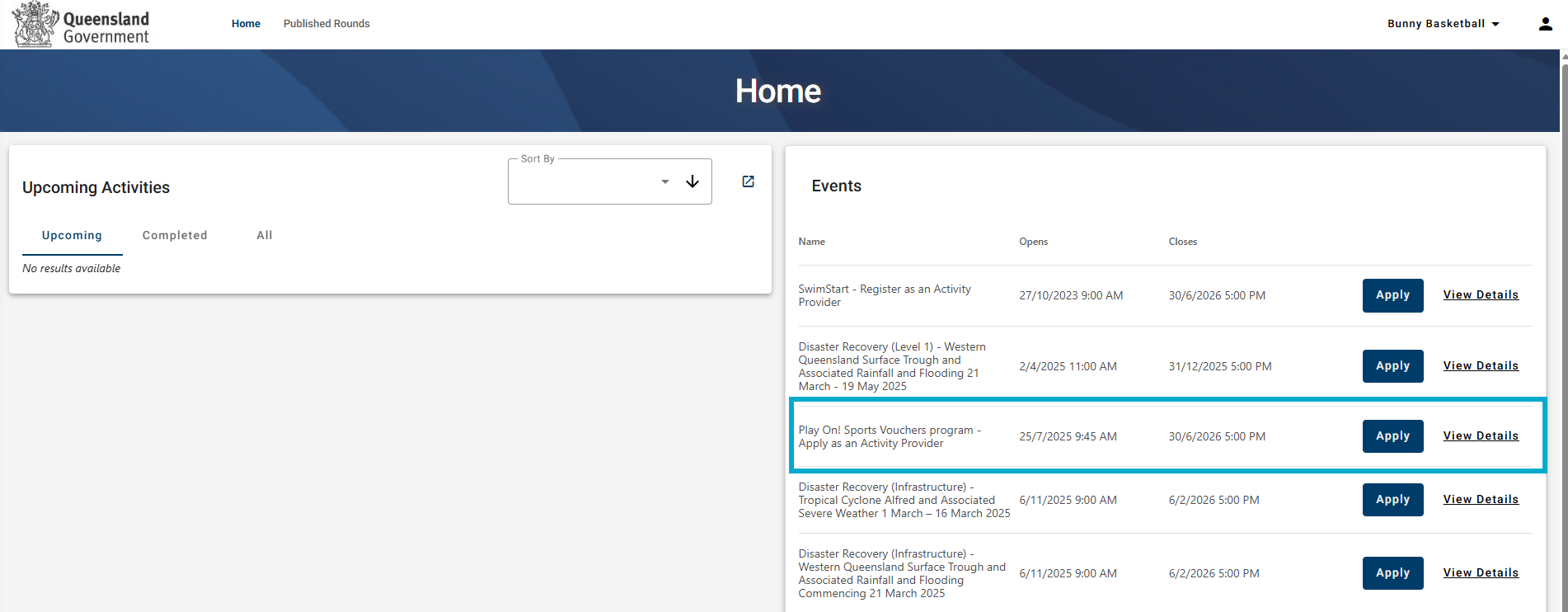
5. Select Apply on the Apply as an Activity Provider event.
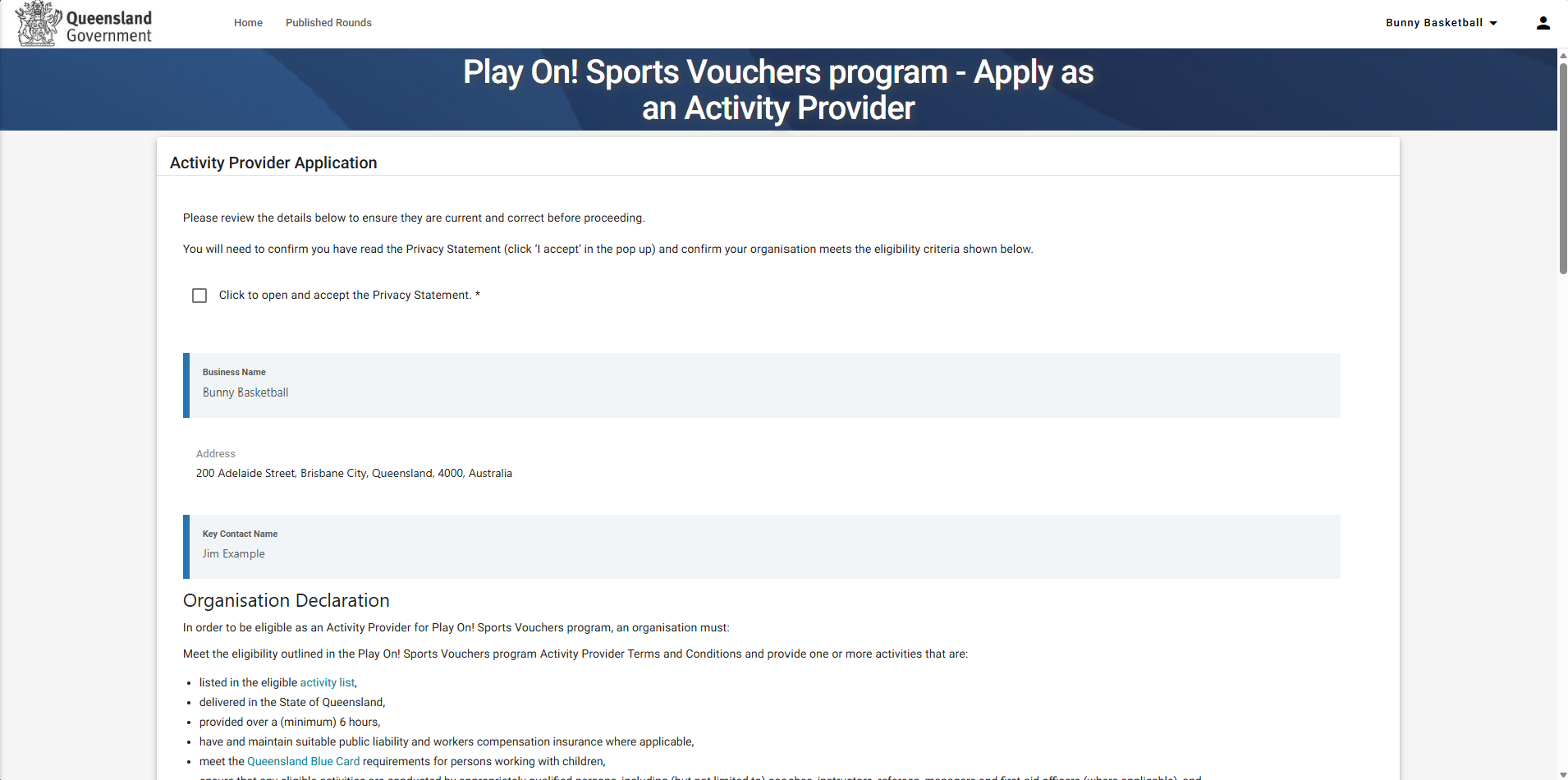
6. Complete the Activity Provider Registration form
You will be advised via email if your Activity Provider registration is approved.